Sign In
You can log in to Realize using your credentials after Technical Support or another administrator for the school or district receives them.
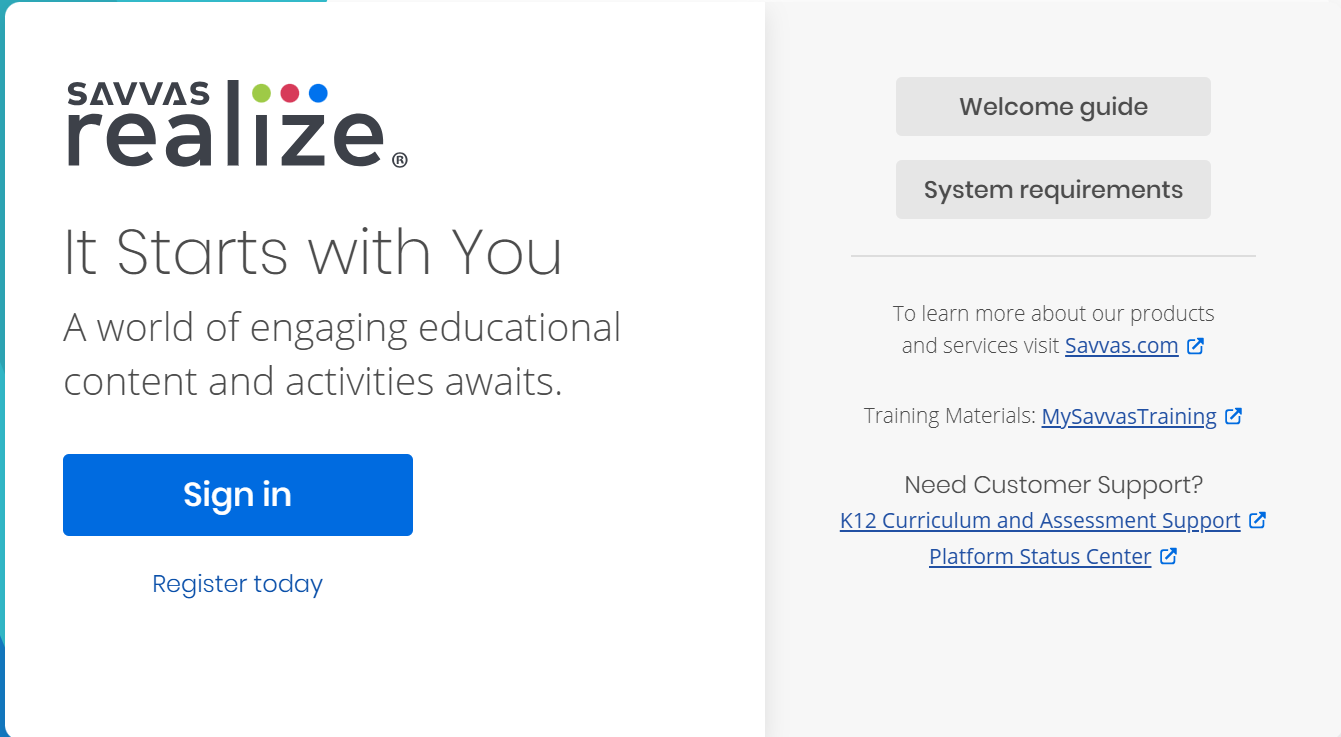
Go to SavvasRealize, or type in the web browser.
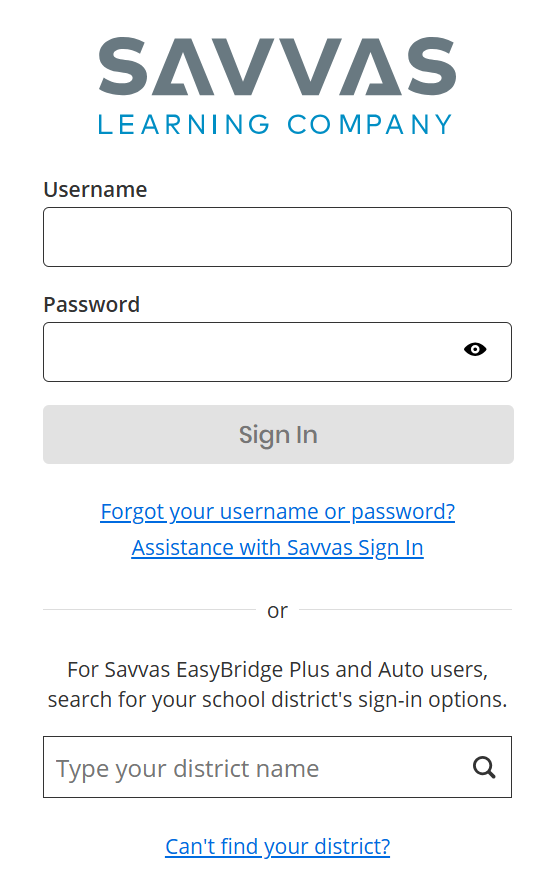
Select the Assistance with Savvas Sign In link on the Savvas Sign In page.
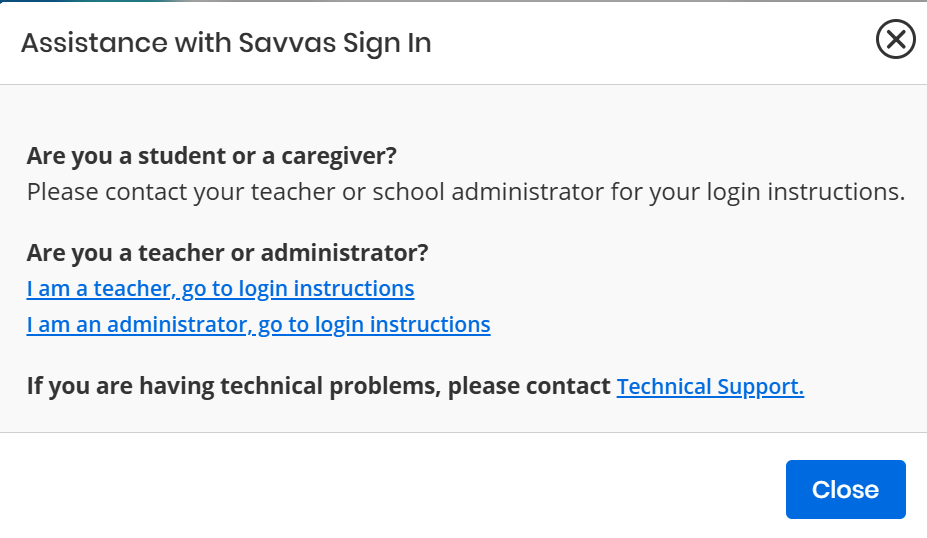
A pop up window appears that includes guidance for each role type - students and caregivers, teachers, and administrators.
For teachers and administrators, links are provided for additional instructions.
There are many different ways a school or district can be set up to access Savvas programs. If the school has communicated the Realize solution and provided the username and password, follow the simple steps below for the school's Realize solution.
 Realize Sign In for Administrators
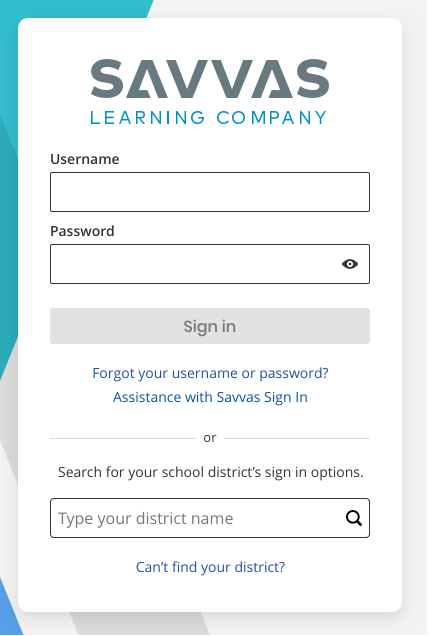
- Enter the username and password in the boxes provided.
- Select the blue Sign In button.

District administrators have access to classes for all schools in the district as well as the Products page. School administrators have access to classes for one school in the district, and do not have access to the Products page.
 Reset Your Savvas Password
Select the Forgot your username or password? link below the Sign In button. Enter the email address to receive instructions to sign in or reset the password. If the registered email address is not found, an on-screen message with next steps are displayed.
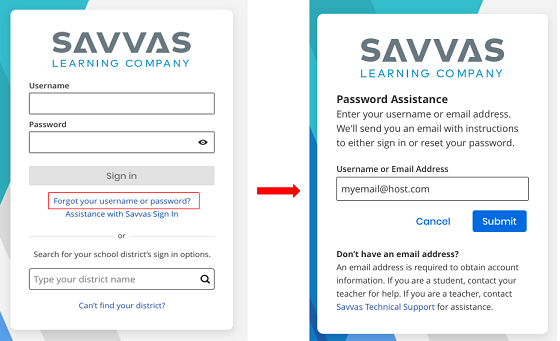
Password reset links do expire, so be sure to check the email and change the password as soon as possible. To reset the password, take note of the minimum requirements required and special characters accepted as mentioned below.
- Minimum of 8 characters
- Contains an alpha character
- Contains a number of special character - acceptable special characters are !"#$%&'()*+,-./:;<=>?@[\]^_`{|}~'; and cannot contain the user’s first name, last name, or username even when surrounded by other characters
- Spaces are not allowed.