Bulk Add/Update Classes (Manually Rostered)
Administrators can update class rosters in bulk directly on Realize. Bulk add/update on Realize allows administrators to:
- Add/enroll students in specific classes.
- Move students from one class to another.
- Remove/un-enroll students from classes.
Student and teacher usernames, class names, cannot be changed or updated using this process. Additionally, classes cannot be deleted, nor teachers removed and/or added to an existing class.
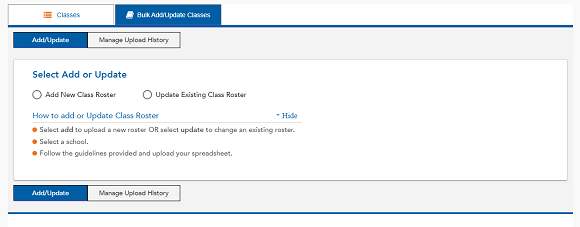
To get started, select either Add New Class Roster or Update Existing Class Roster.
See also