Math Response Types
To successfully complete interactive exercises, such as Multiple Choice, Selectable Text or Objects, Drag and Drop activities; students can use a variety of technology-enhanced response item types.
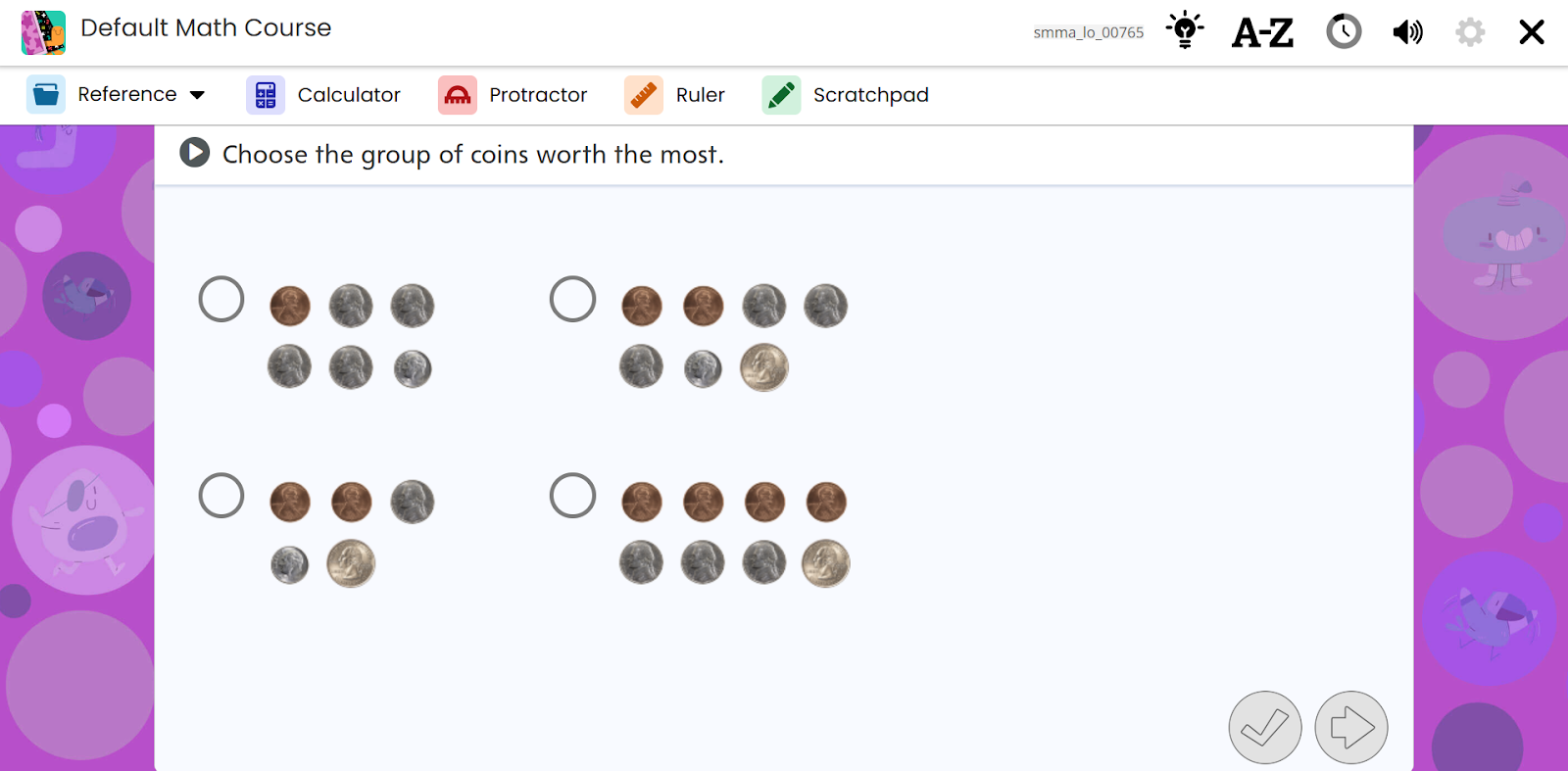
Multiple Choice Single Select
This item type is represented by a circular radio button next to each answer option and an image in the feedback provides additional support.
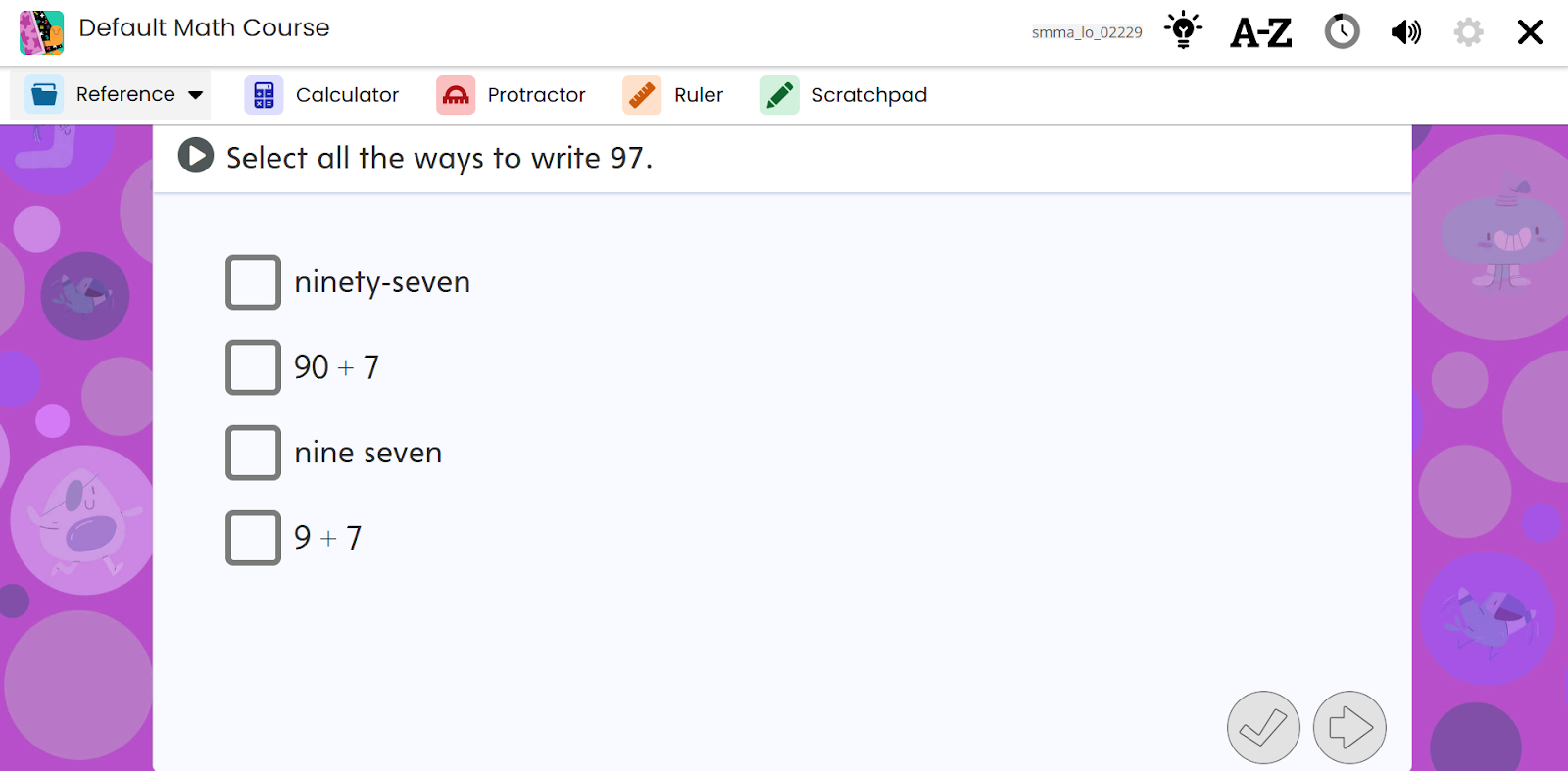
Multiple Choice Multiple Select
This item type is represented by a square radio button next to each answer option. Instructions and question stems let students know that they are to select more than one correct answer.
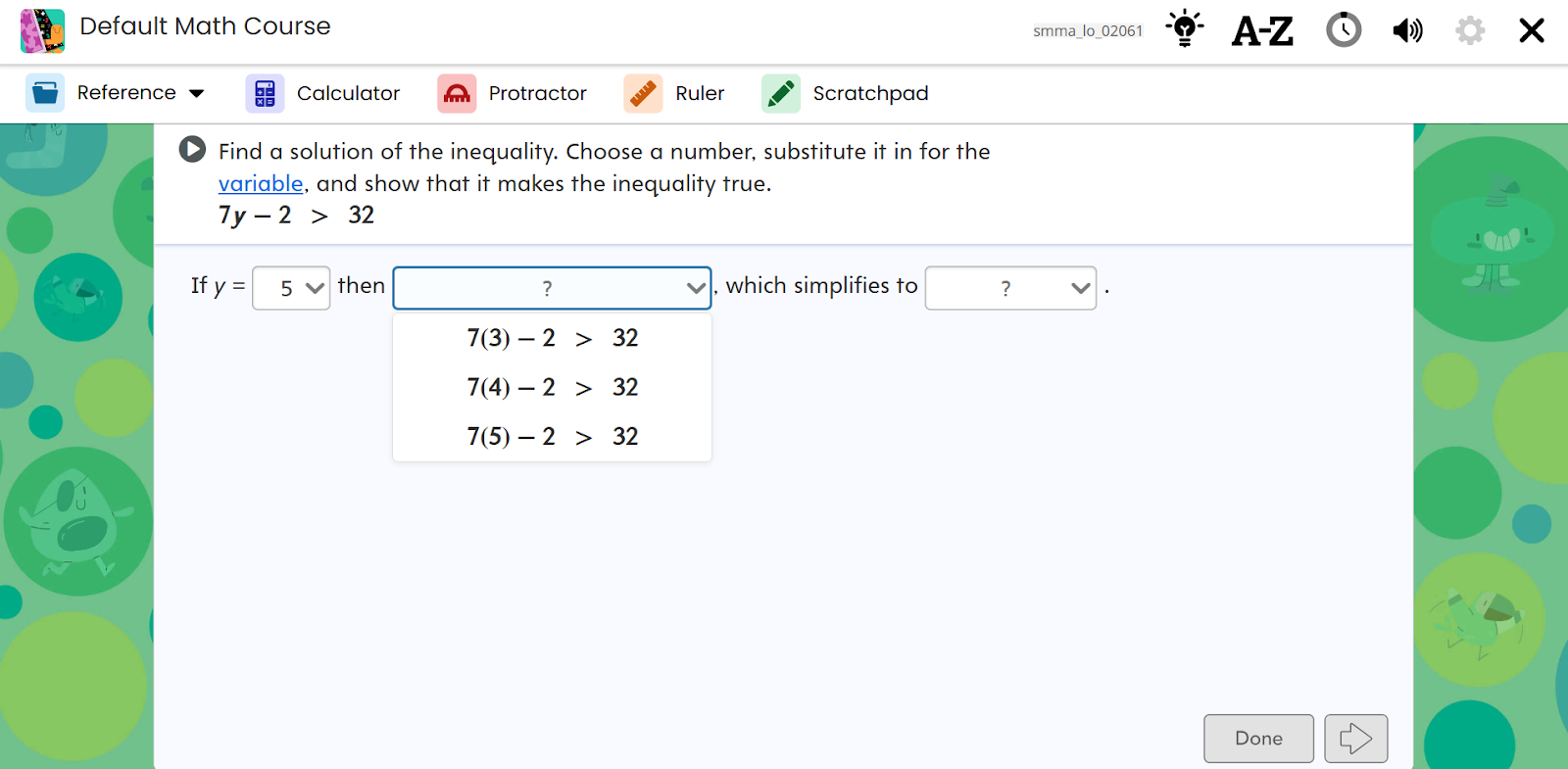
Drop Down Menu
This item type requires the student to select the arrow next to each answer option, and then select a response from the list.
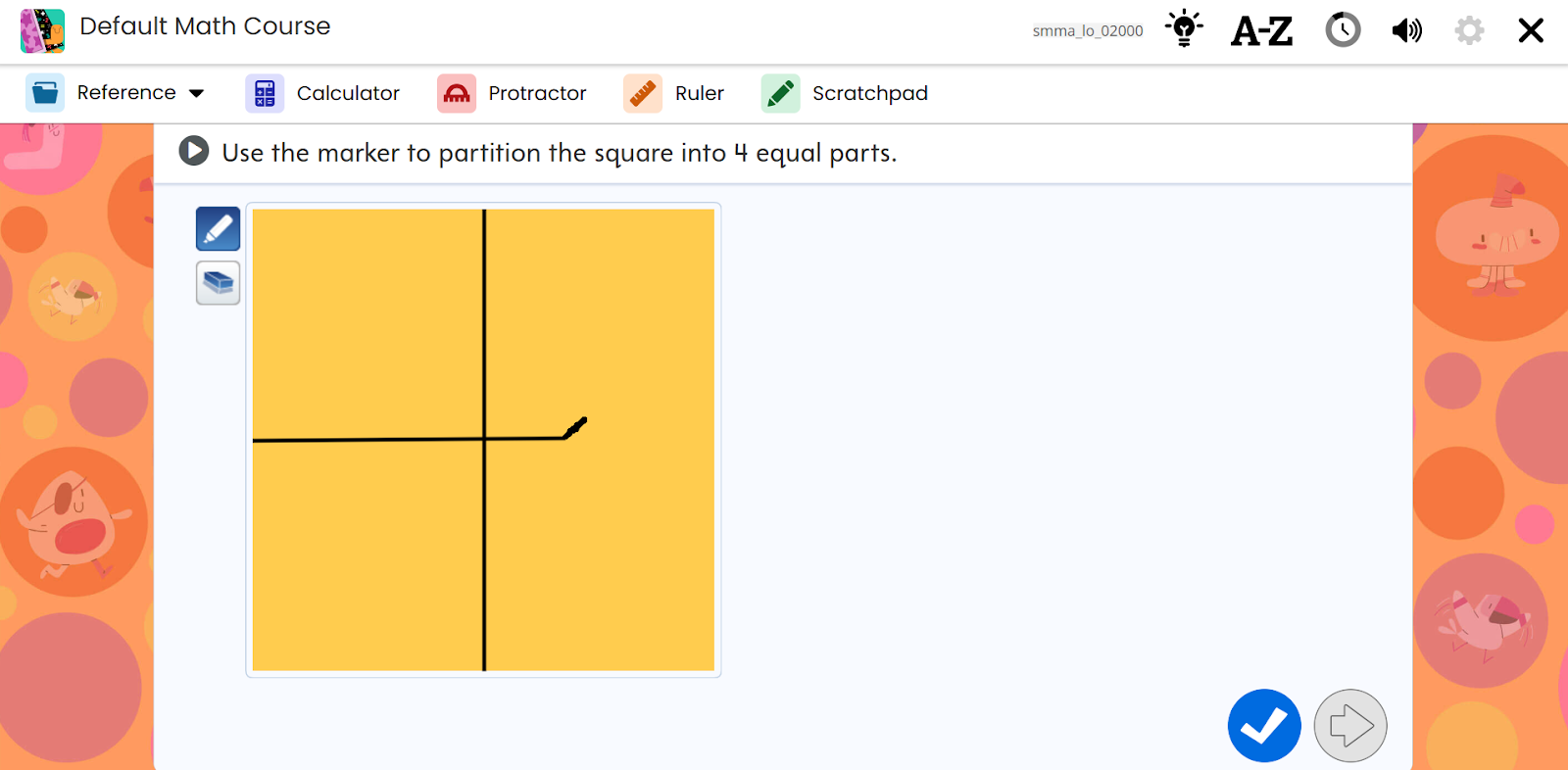
Drawing Tool
This item type requires the student to use the drawing tool to provide an answer.
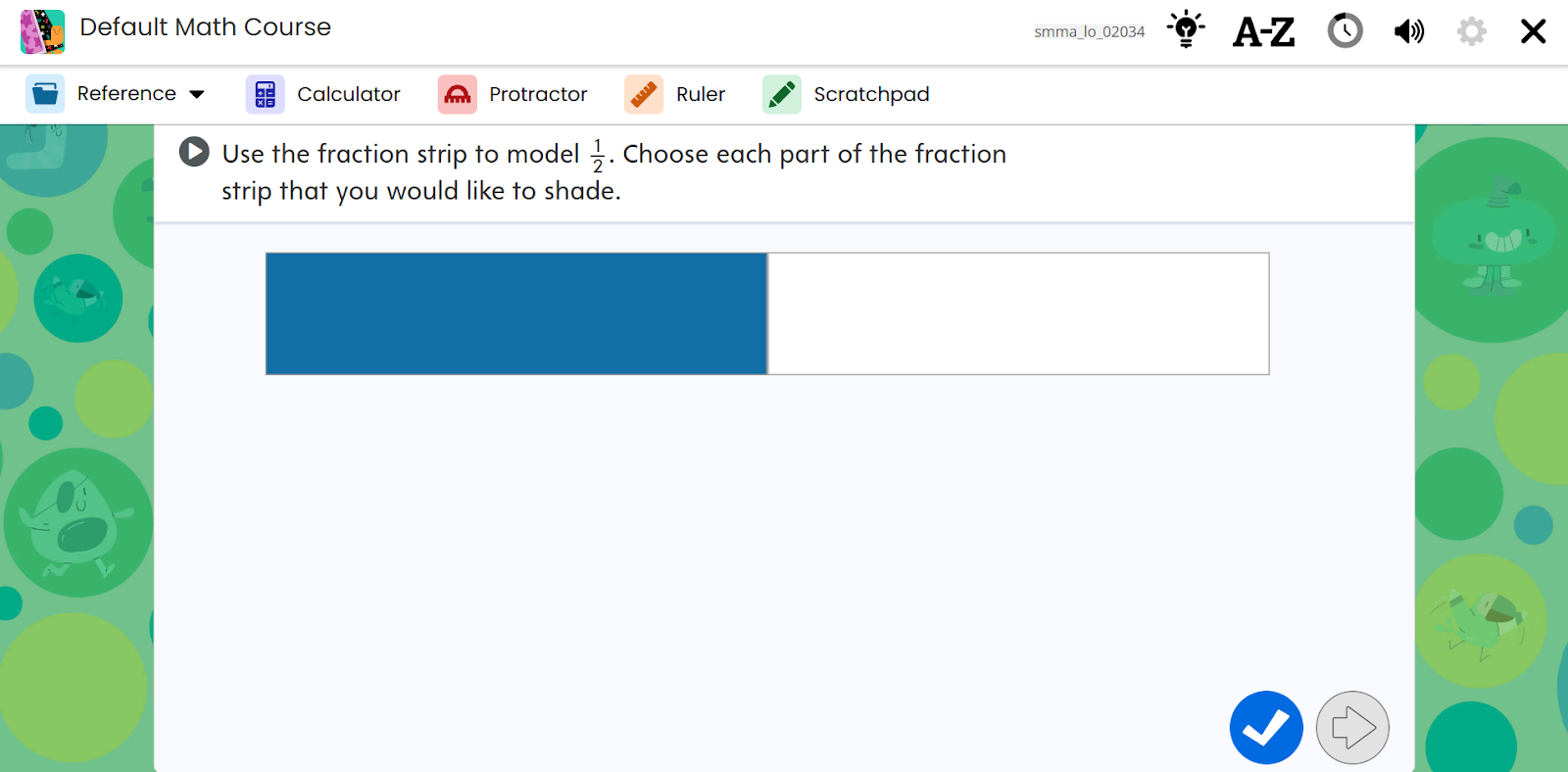
Fraction Strip
This item type requires the student to fill the fraction strip by selecting one or more sections for the answer.
Number Line
This item type requires the student to drag a point to the number line to complete the activity.
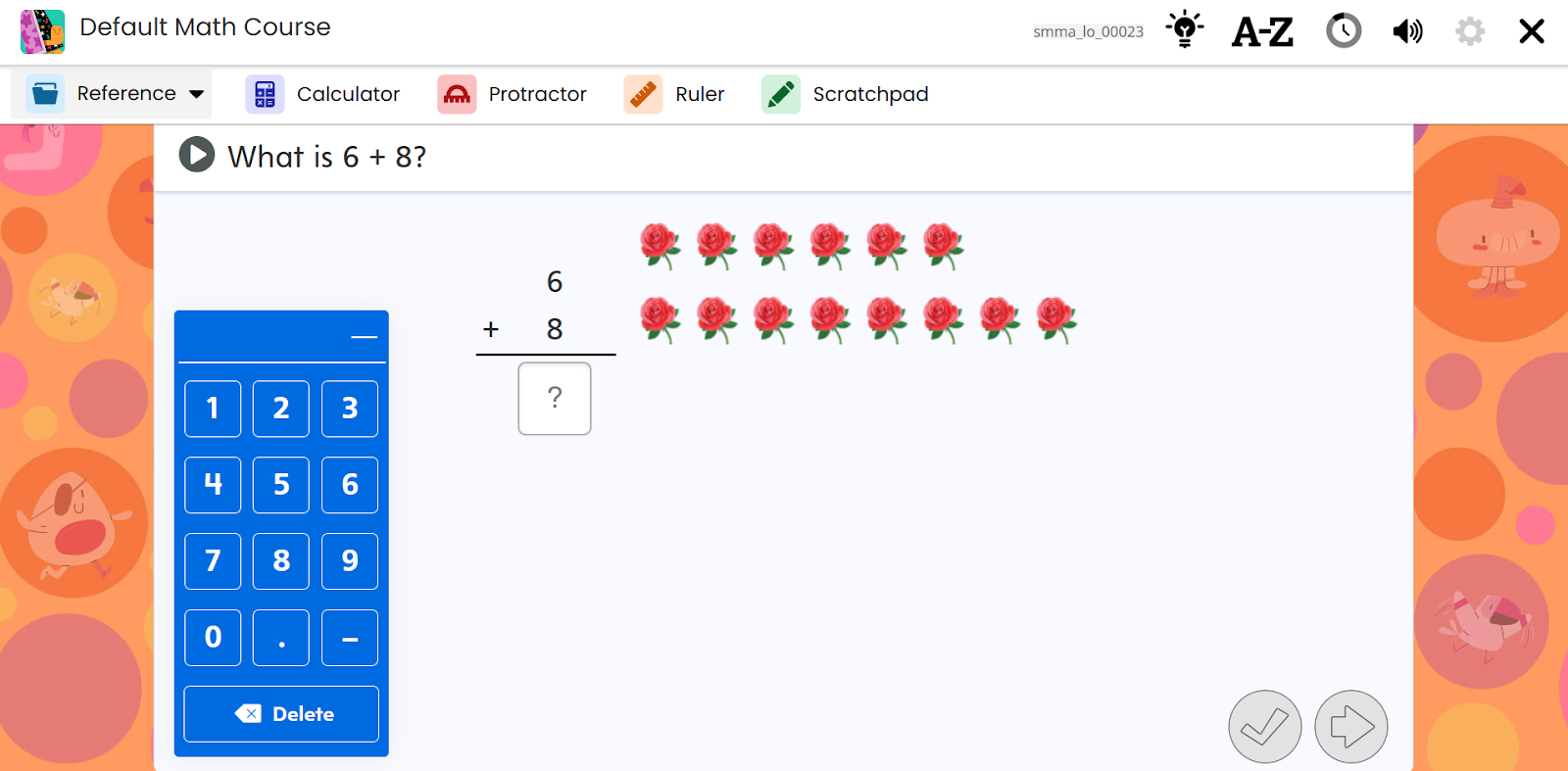
Number Entry
This item type uses visuals to help the student become familiar with the learning concept and requires the student to enter a number in an answer field. Visuals and feedback provide additional support.
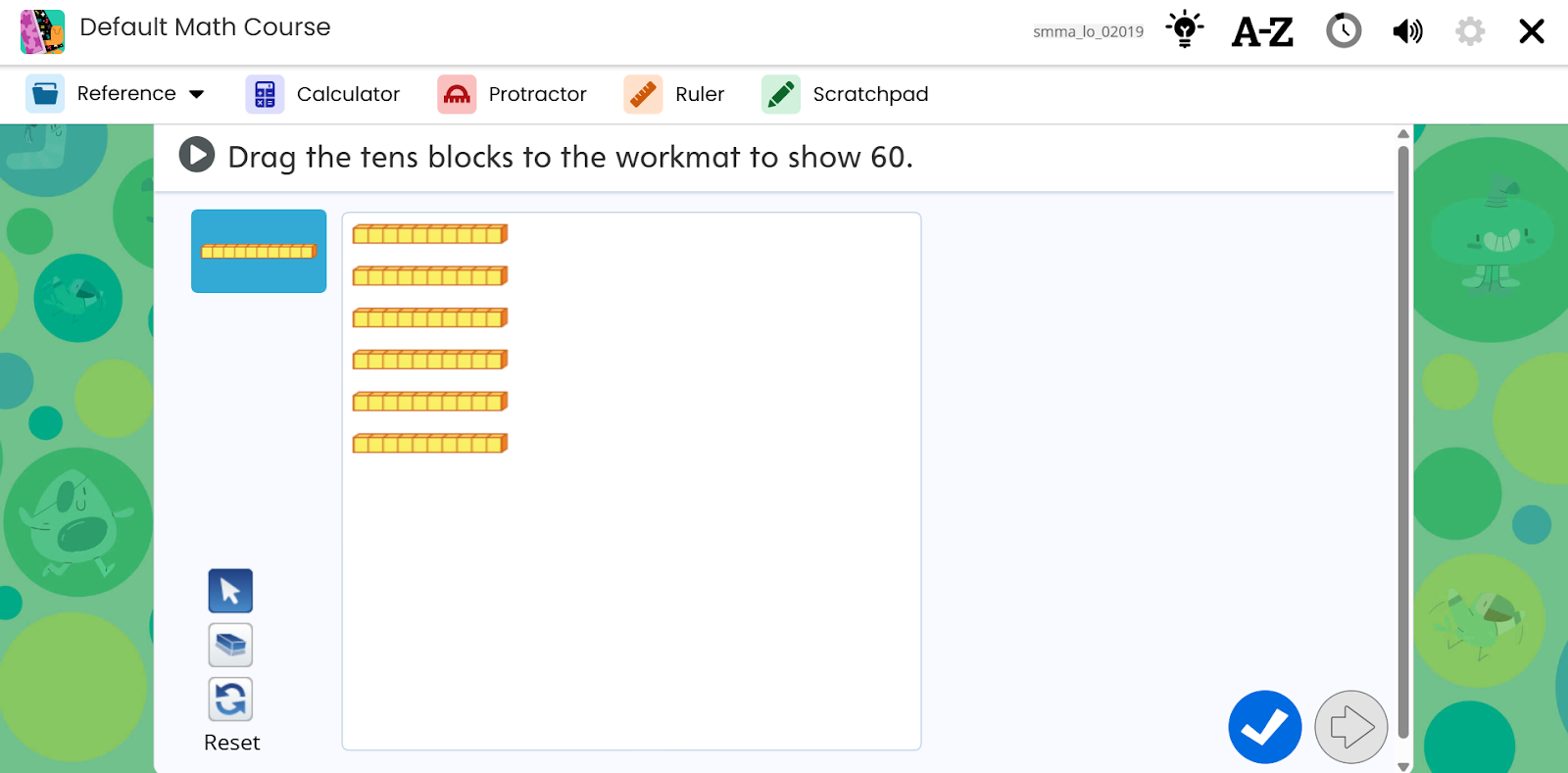
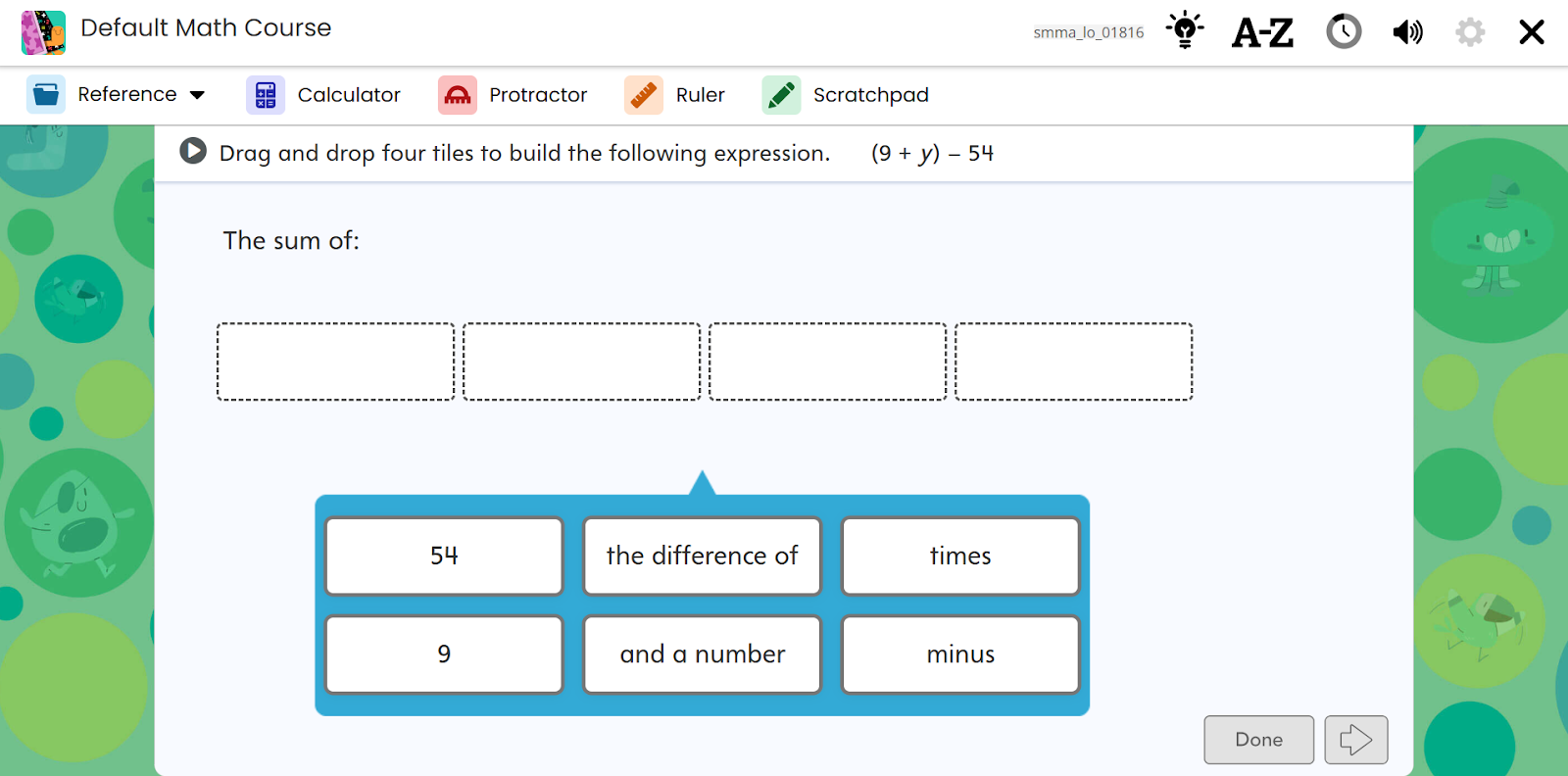
Drag and Drop
This item type requires the student to select a response, and then drag it and release it in the target area.
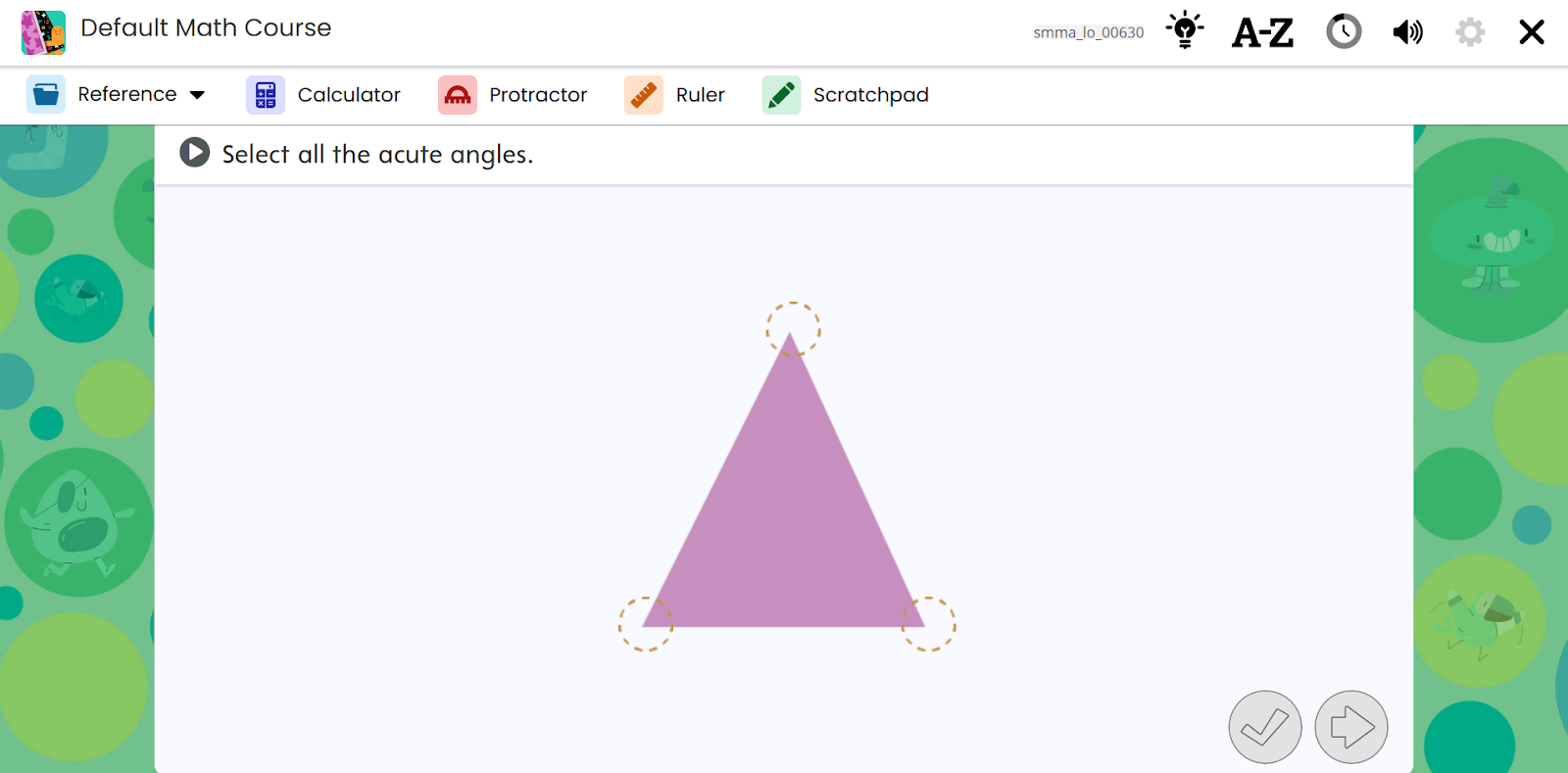
Interactive Image
This item type requires the student to identify a location in an image and represents the correct answer.