Courses
Select Courseware in the menu bar, and then select Courses to view all of your courses A series of lessons within a curriculum. Courses are default or customized courseware that is delivered via licensing to a district or school and that contains content defined by the SuccessMaker product and the Math or Reading subject., including those shared by other teachers within your district.

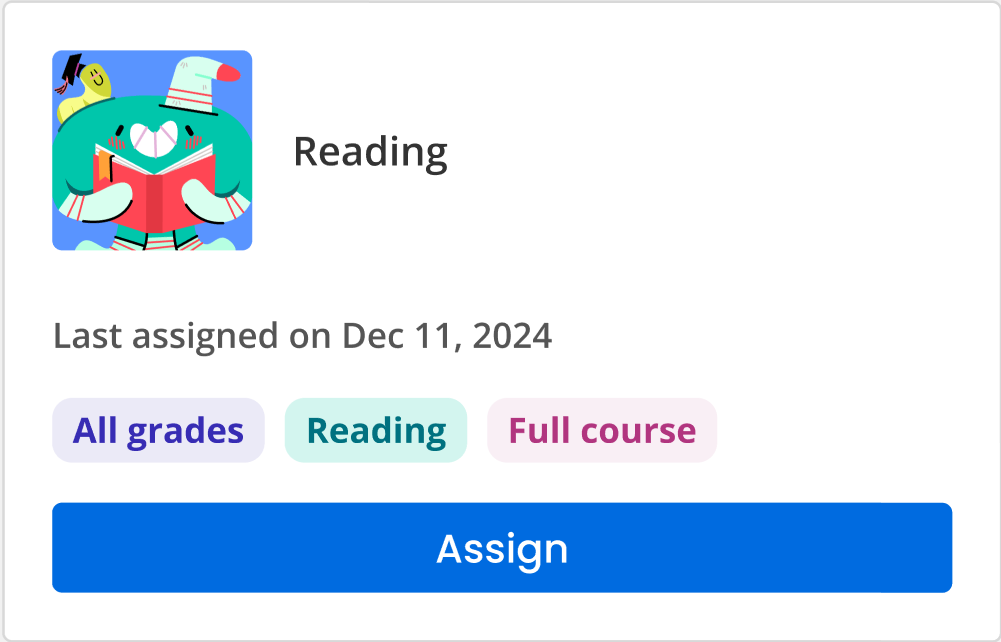
For each course, you can see the course title, last edited date, last assigned date, grade, subject, and course type.
-
Sort by: Use this dropdown box to sort your list of course titles by Course Type, Title (A-Z), Title (Z-A), Date (newest to oldest), or Date (oldest to newest)
-
Course type: Use this dropdown box to filter your list of course titles by the following course types: All, Full Course, Custom, My Custom, enVision+ Math, myView Literacy, and/or myPerspectives ELA.
The enVision+Math, myView Literacy, and myPerspectives require an active subscription to the corresponding products in Realize.
-
Subject: Use this dropdown box to filter your list of course titles by Math or Reading Subjects.
-
Grade: Use this dropdown box to filter your list of course titles by a specific grade level.
Course listing page
-
Select a course to view the Course Details.
-
Select Assign on a course tile to assign the course to your students.
See Also